Front What are the two repeating stages of normal sleep?
Flip the card
Back Non-REM sleep and REM sleep.
In the app you type (or dictate) your answer first; the AI grades it against this reference and explains the difference.
Spaced repetition
Most spaced-repetition apps make you write the cards. PupilBot generates them from your pages, then schedules every question with FSRS — so each one comes back right before you would forget it.
Start reviewing — free See how it works
Bring in your pages. PupilBot writes the questions and you answer each one for the first time.
FSRS-6 estimates how stable each memory is from your answer and sets the next review date. Correct answers push it out; a miss brings it back within minutes.
Practise in the browser when you like, or connect Telegram and the bot asks review questions when they come due.
Two flash cards from the demo study. Every card and question, whatever its format, enters the schedule described below.
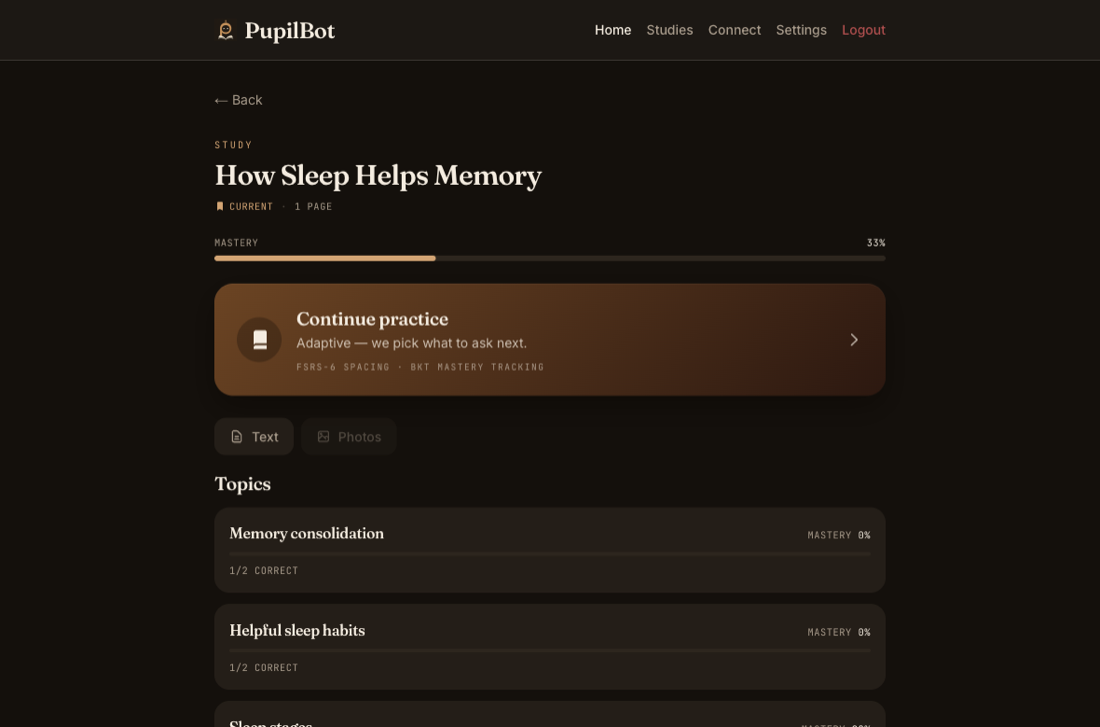
This is the demo study every new PupilBot account starts with: a short text, and the flash cards and questions built from it — the same shapes the generator produces for your own pages.
Sleep is not just a period of rest. While you sleep, the brain continues to process information from the day. It strengthens useful connections, organizes new memories, and makes some information easier to recall later.
Front What are the two repeating stages of normal sleep?
Back Non-REM sleep and REM sleep.
In the app you type (or dictate) your answer first; the AI grades it against this reference and explains the difference.
Front How can sleeping after you learn something help your memory?
Back It helps stabilize and strengthen new memories so they are easier to recall later.
In the app you type (or dictate) your answer first; the AI grades it against this reference and explains the difference.
A question you answer correctly every time, on FSRS-6's default parameters at 90% target retention:
| Review | When | Next review in |
|---|---|---|
| 1 | Day 0 — first answer | 2 days |
| 2 | Day 2 | 11 days |
| 3 | Day 13 | 46 days |
| 4 | Day 59 | about 5 months |
| 5 | Day 222 | about 16 months |
A wrong answer resets the question to a 10-minute relearning step and shrinks its long-term interval; getting it right again rebuilds it.
FSRS decides when a question comes back. Per-topic mastery — a probability that you know the topic, which rises with correct answers and decays slowly when you don't practise — decides what to ask next, so weak topics get more attention.
A review schedule that spaces each review a little further apart every time you remember, so you study each fact right before you would forget it instead of re-reading everything.
The Free Spaced Repetition Scheduler, an open algorithm that models memory stability per item. PupilBot uses FSRS-6 with its published default parameters, at 90% target retention.
Anki schedules cards you wrote. PupilBot writes the cards from your pages, grades typed answers with AI instead of self-grading, and adds per-topic mastery on top of per-card scheduling.
It comes back within about ten minutes for relearning, and its longer-term interval shrinks. Getting it right again rebuilds the interval.
No. Reviews are due on their own dates; if you miss a day they wait. The Telegram bot can nudge you when reviews pile up.
PupilBot is free to start. A paid subscription unlocks more usage; the web app, the iPhone app and the Telegram bot all use the same account. Your first study is free, up to 3 pages. Premium: up to 50 pages per study. 5 study uploads per day · 50 per month.